
Rayon basics
One feature at a time, explained in a real project
A series dedicated to the individual tools and features inside Rayon. Each video focuses on one feature at a time - what it does, how it works, and how to use it in a real project. If you want to understand a specific part of Rayon in detail, this is where to find it.
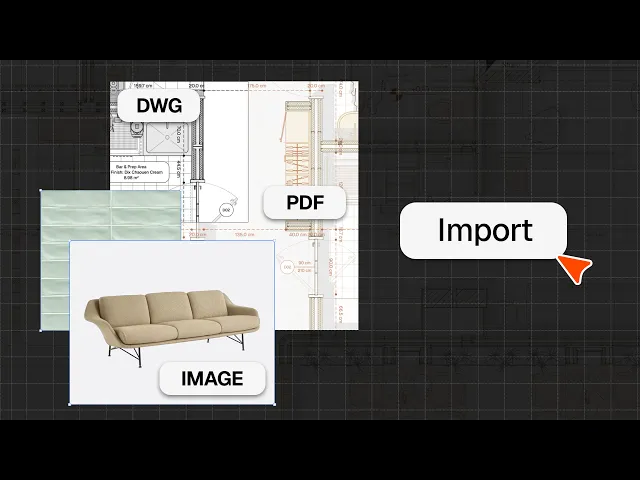
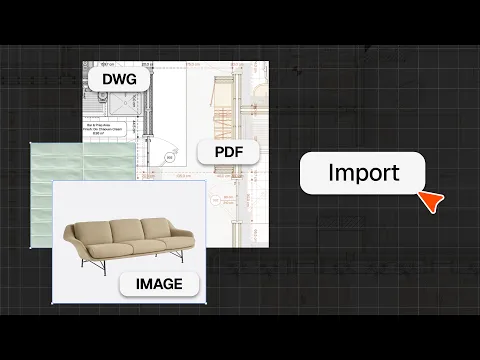
How to import DWG, PDF & image files
Import DWG/DXF files, PDFs and images into Rayon, place and scale them, and use them as the base for your drawings.
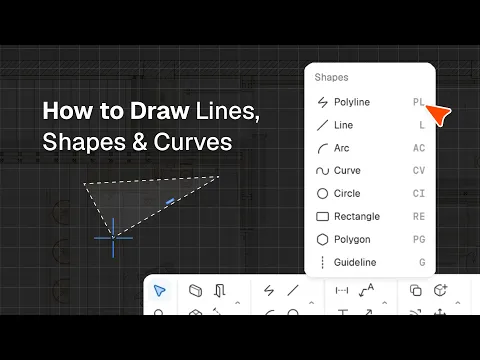
How to draw lines, shapes, and curves in Rayon
Rayon's shape tools in action: polyline, line, arc, curve, circle and rectangle, plus command modes, arguments, and active layer and style.
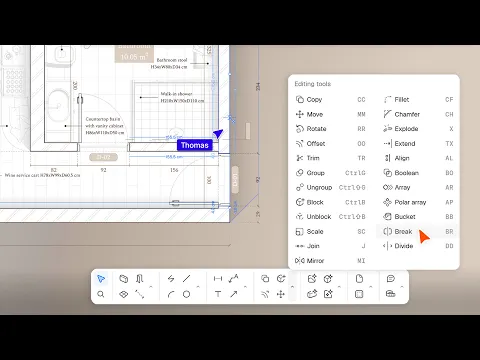
How to use the editing tools in Rayon
Using editing tools in Rayon: copying, moving, rotating and scaling objects, trimming and joining lines and managing groups and blocks, plus corners, alignment, Boolean operations and arrays.
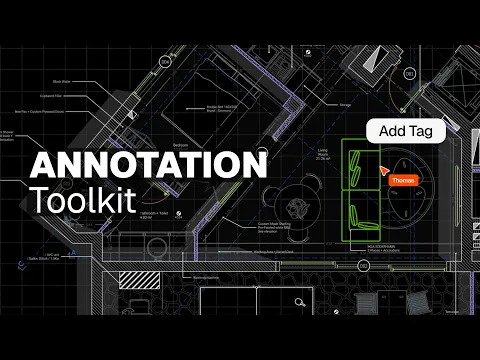
How to add dimensions, text, and tags to drawings in Rayon
All eight annotation tools: dimensions and chains, angular dimensions, leaders, arrows, text, tags, revision clouds and page numbers.
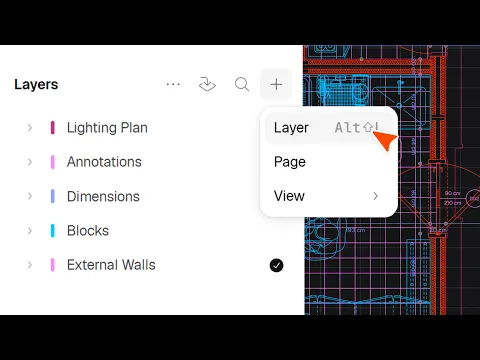
How to use and manage layers in Rayon
Set up a layer structure, control visibility, locking and order, use sublayers, and apply per-view layer overrides on the paper canvas.
The Rayon BIM toolkit: walls, openings & zones
Draw walls and set their thickness and alignment, place doors and windows from the openings library, and create and split zones in one click.
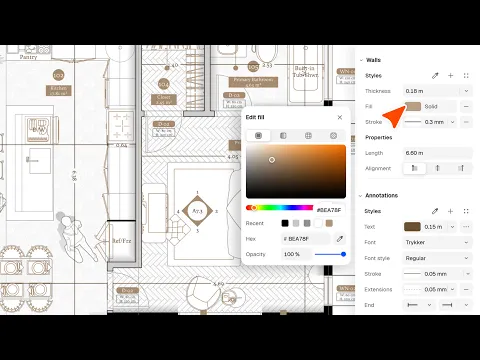
How to style your drawings and presentations in Rayon
Styling walls, shapes, text and annotations in Rayon: fills, hatches, textures and strokes, plus saving styles, updating elements and styling by layer.
How to use canvases, views, and pages in Rayon
Model vs paper canvas, setting up pages, and creating, cropping, scaling and overriding views so one drawing feeds a full drawing set.
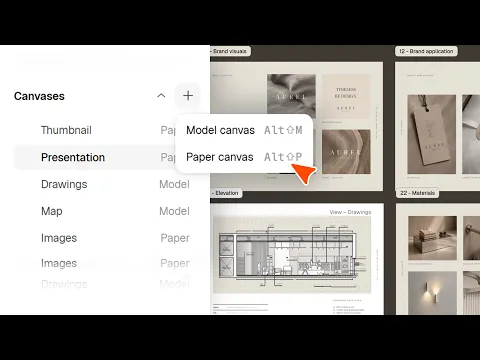
How to use pages to build & share presentations in Rayon
Building and sharing presentations in Rayon: creating pages, placing views and ordering and numbering pages, plus publishing, updating and exporting presentations as PDF or PNG.
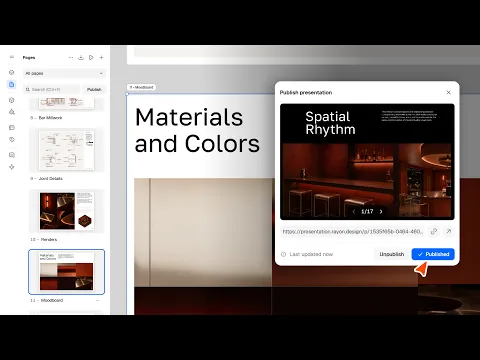
How to use, create and manage blocks in Rayon
Creating and managing blocks in Rayon: editing instances, adding properties and building block families, plus opening and parametric blocks, AI generation, DWG imports and publishing libraries.
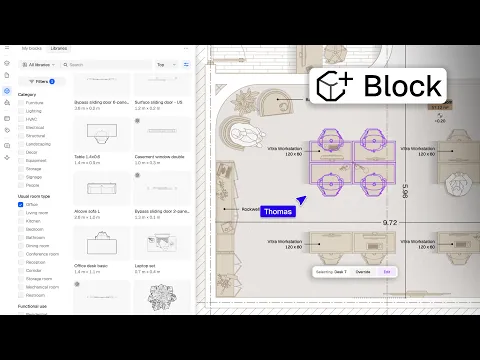
How to share and collaborate on models in Rayon
Sharing and collaborating on models in Rayon: email invitations, roles and public links, plus real-time editing, comments, annotations and shared workspaces.
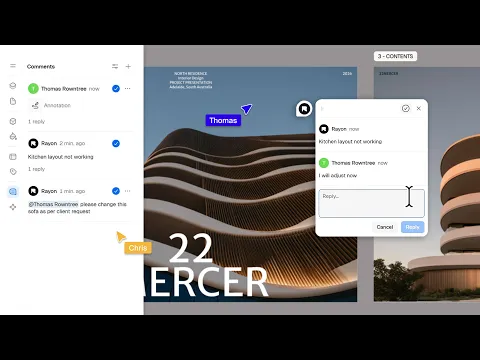
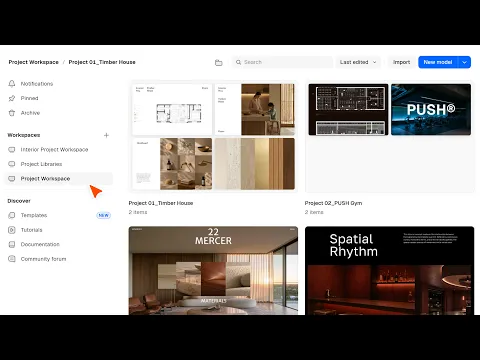
How to start & manage your interior design and architecture projects
Starting and managing projects in Rayon: workspaces, groups and templates, plus model and paper canvas settings, units, snapping, layer states and shortcuts.
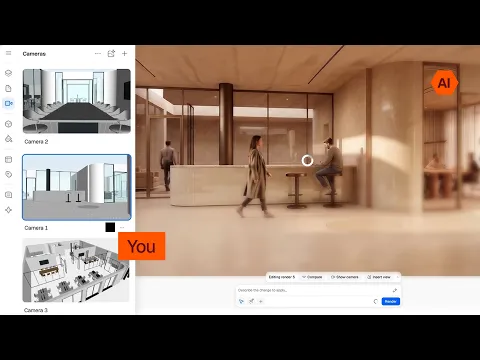
How to render your 3d model in Rayon
Rendering a 3D model in Rayon: setting up cameras and render settings, guiding renders with prompts and image references, plus editing objects, adding people and upgrading to 4K.
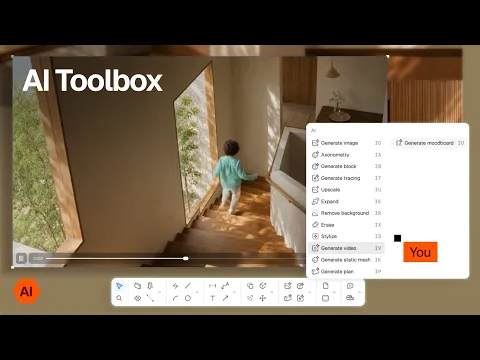
The Rayon AI toolbox
Rayon’s AI toolbox: generating and editing renders, creating 2D and 3D blocks from images and tracing images, plus upscaling, erasing, video generation, plan generation and mood boards.
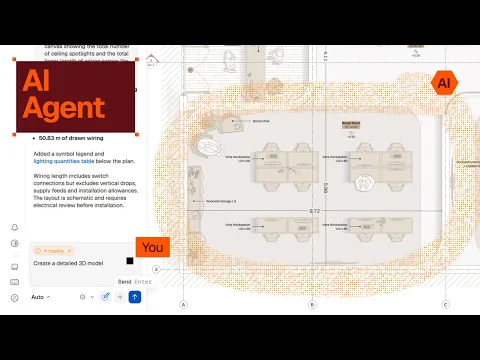
How to use rayon's AI agent
Using Rayon’s AI agent on the canvas: choosing a reasoning level and annotating areas, then zoning a floor plan, creating a lighting plan, dimensioning a plan and reworking a kitchen layout.
How to generate 3d models & blocks using AI
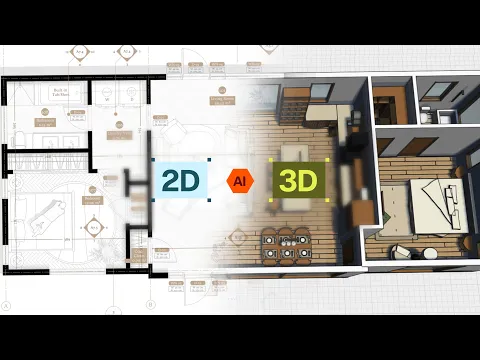
Generating 3D models with Rayon’s AI agent: prompting from plans, sections and elevations, turning 2D furniture blocks into 3D, and creating static mesh or editable 3D blocks from product images.
How to use rayon’s MCP connector with chatgpt/claude
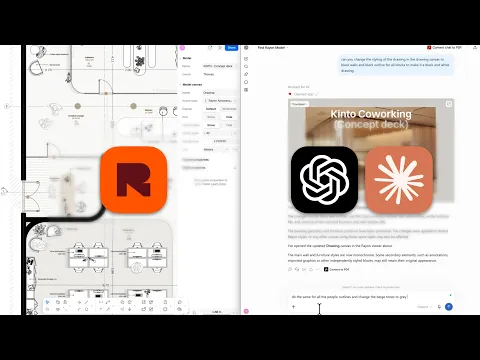
Connecting Rayon to ChatGPT and Claude: sharing a model into the chat, listing blocks and counting furniture, finding products and prices, exporting to a spreadsheet and restyling a drawing.
How to model in 3d with levels, sections & elevations in Rayon
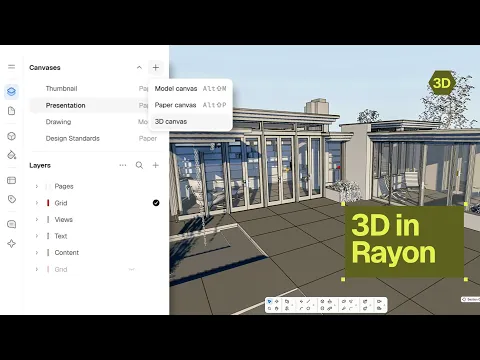
Modelling in 3D in Rayon: creating a 3D canvas, drawing walls and openings and attaching walls to levels, plus level views, sections and elevations that update as the model changes.
How to style your 3d model in Rayon
Styling a 3D model in Rayon: applying colours, images and textures to walls and blocks, saving 3D styles and creating glass, plus how styles carry into level views and sections.
