
Interior Design Workflows
Real projects, from brief to final deliverable
If you are an interior designer looking to improve your workflow, this is where to start. Real use cases, real projects, and real processes - showing how to go from brief to final deliverable without switching tools.
Architects Can Do Interior Design. Here's What It Took Me to Learn
Architect Chris Simmons on crossing into interior design: what architectural training brings, where the gaps are, and how one tool covers every deliverable.
Why Your Interior Design Project Presentation Doesn't Look Professional (and How to Fix It)
Build a professional studio portfolio from Rayon's template: cover, images, text styles, live drawing views and brand colours, shared as a live link or PDF.

How I Built a Luxury Interior Design Project Presentation (Rayon Template)
Build a luxury client presentation from Rayon's template: crop and place images, add a live floor plan view, style text, then export as PDF or share a live link.

How I Go From an Architect's Drawing to a Furnished Interior Floor Plan
Andrea turns an architect's restaurant plan into a furnished layout: bubble diagram for zones, hospitality blocks, floor finishes, then dimensions and annotations.

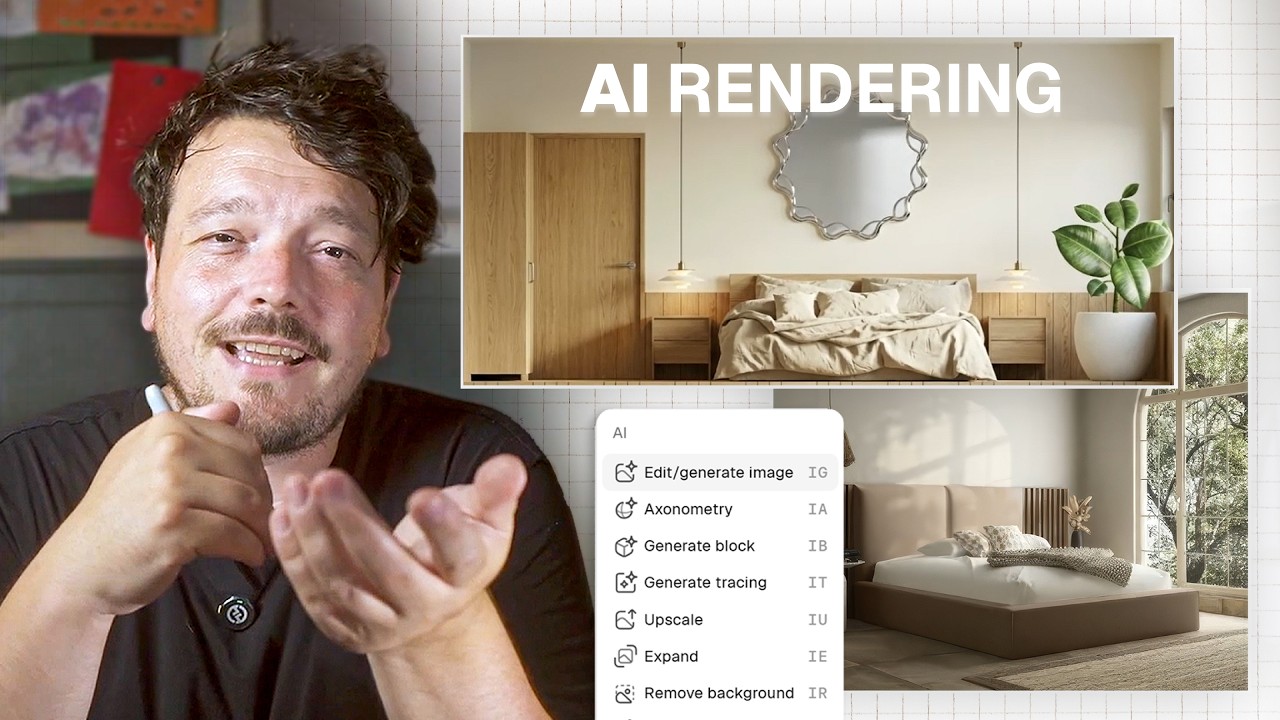
Interior Design AI Rendering From Floor Plan to Visualisation in Seconds
Four AI tools in Rayon: 3D axo from a 2D plan, render from an elevation, material iteration on images, and graphic style transfer.
9 Tools Every Interior Designer Needs in Your Workflow
Nine Rayon tools for the full interior design workflow, from mood boards, blocks and FF&E data to styles, pages, views and live presentations.
From Client Email to Concept Mood Board: My Full Process in Rayon
Turn a real client brief (a Paris apartment) into a concept mood board: palette, textures, AI iterations and supplier data, shared as a live link or PDF.
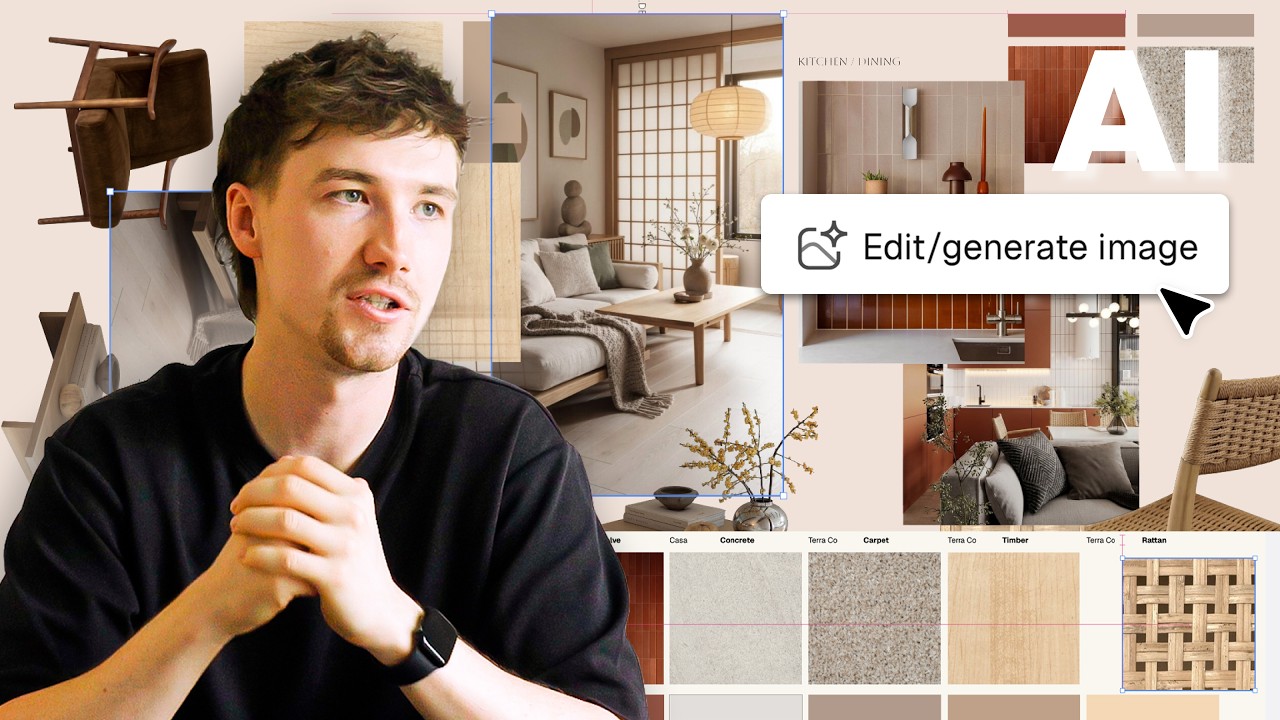
AI Tools for Interior Designers: Tools That Are Actually Useful
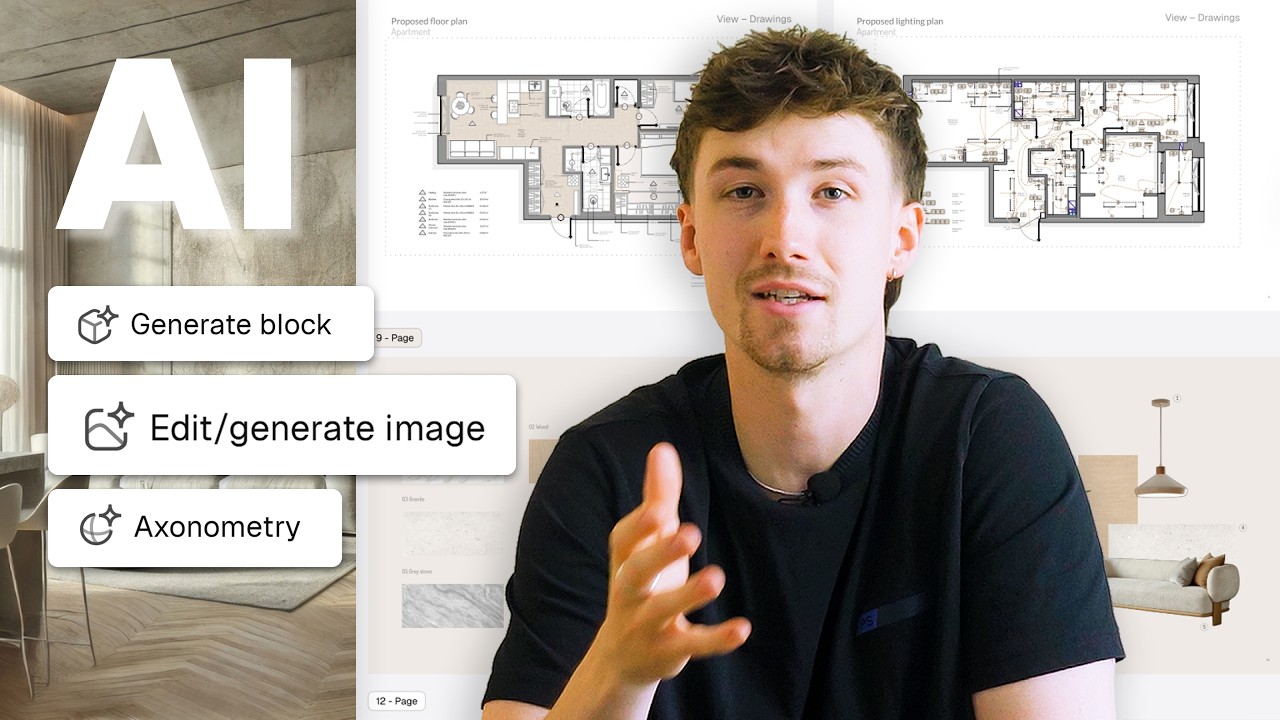
Three AI tools in Rayon that are actually useful for building client presentations, plus a bonus tool for a common design problem.
Why Most Interior Design Mood Boards Don't Work (and How to Fix That)
Andrea's mood board process: start from the concept, curate imagery that conveys emotion, compose the board in Rayon, and add keywords that explain the design intent.

How to Build a Client Ready Presentation (Step-by-step in Rayon)
Turn a finished drawing set into a client deck: page structure, grid, live drawing views, mood board and AI-enhanced visuals, published as a live link or PDF.
Restaurant Interior Design Process: Layout, Mood Board, and Presentation in Rayon
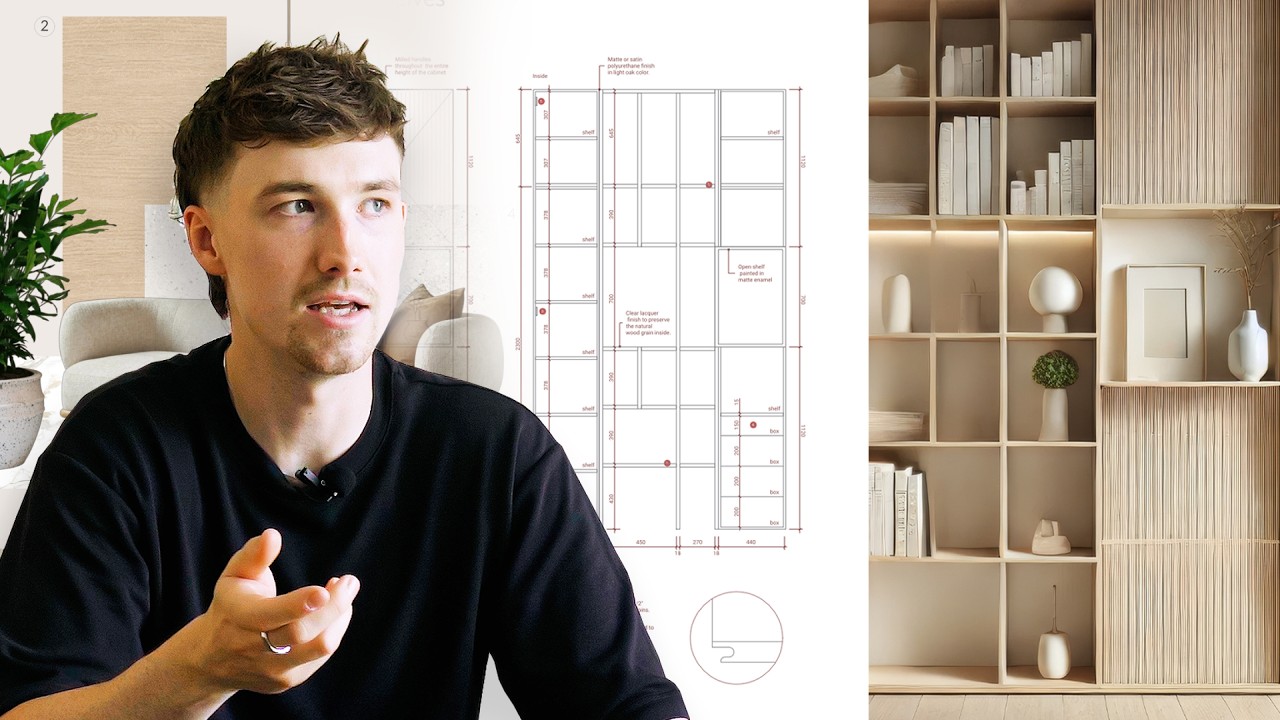
Andrea takes a restaurant brief to a client-ready presentation in Rayon, combining the mood board and floor plan in one document.

How to Draw & Present Multiple Floor Plan Options to a Client (Tutorial)
How a barn conversion on England's south-west coast evolved through several floor plan options to the final design proposal.
The AI Interior Design Workflow That Changed How I Work (Rayon AI)
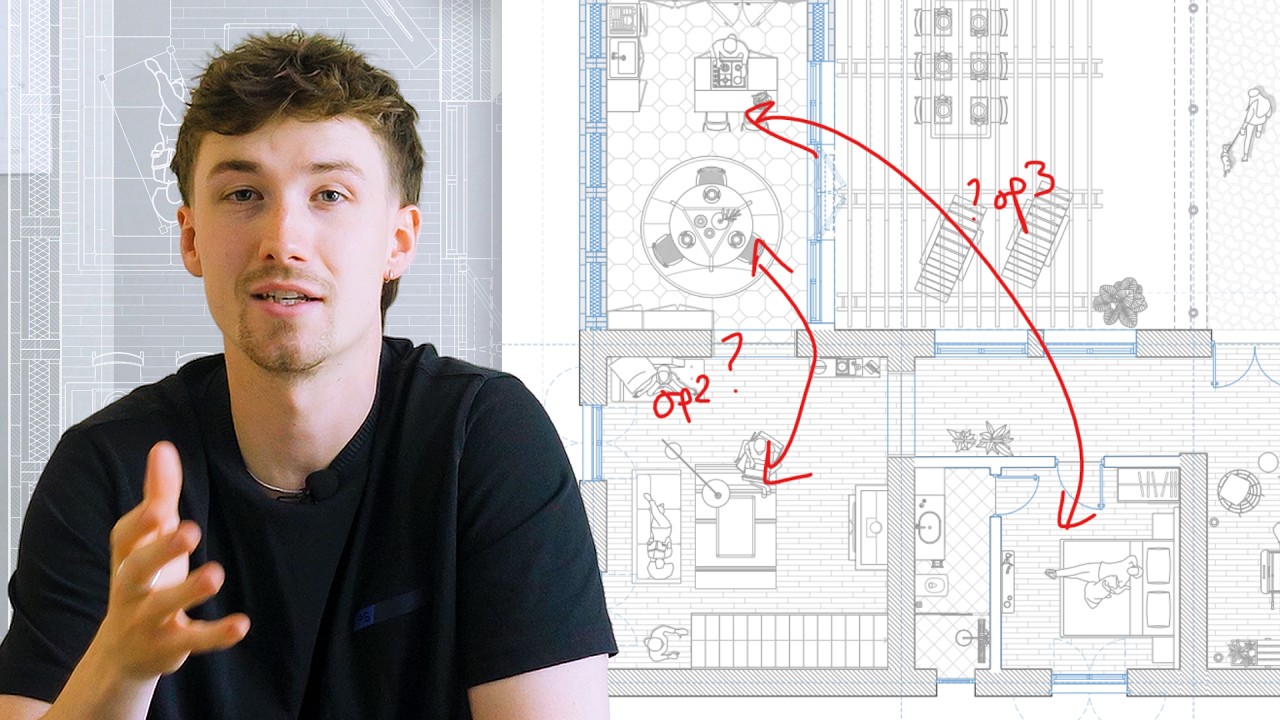
Turn a vague client brief into a clear feasibility scheme using three AI tools in Rayon.
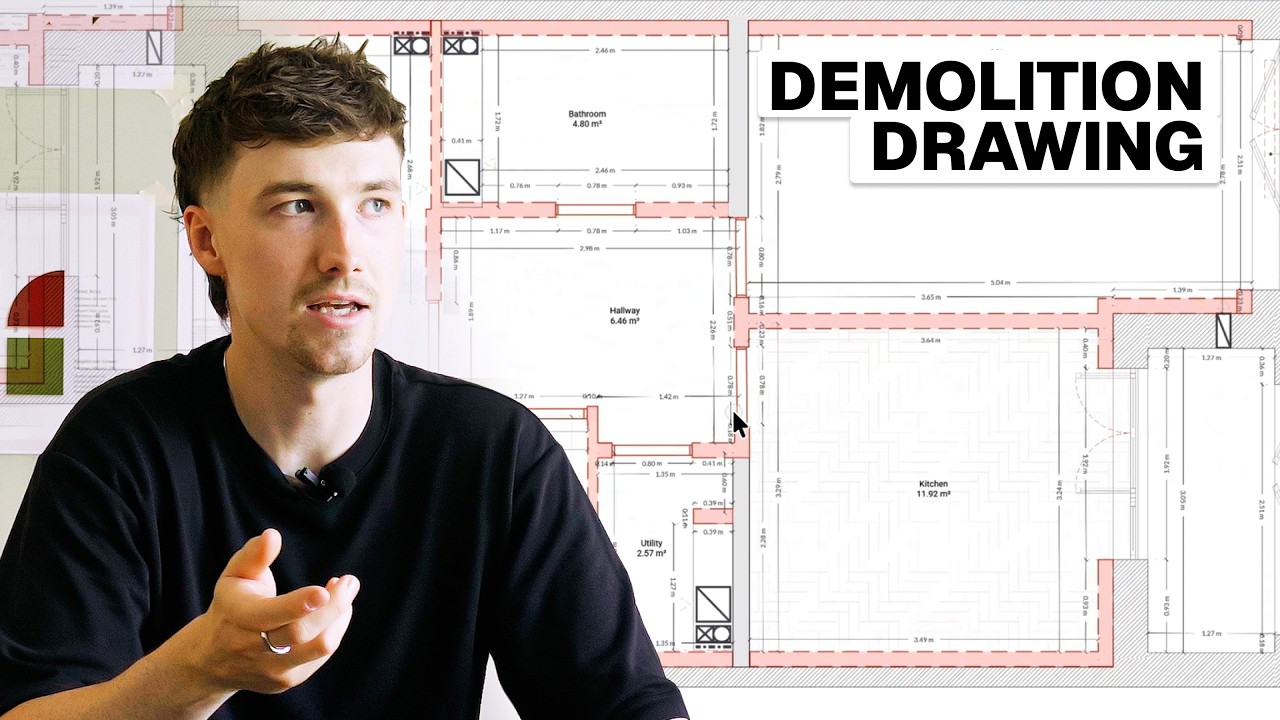
Demolition Drawing Tutorial: Essential Steps for Every Renovation
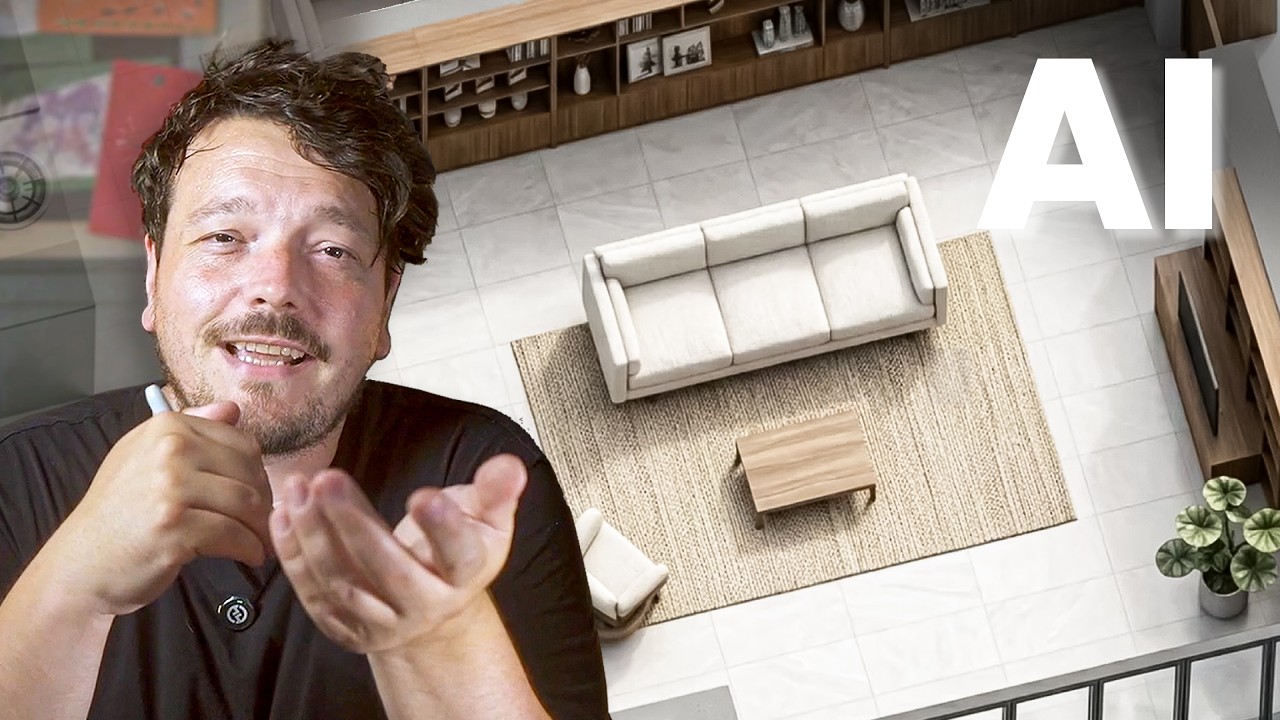
Modernise a 1980s apartment: demolition drawing, reconfiguring a closed layout into an open plan, and choosing colours and finishes.
How to Convince Clients of Your Design Vision (Using Rayon)
From brief to convincing presentation: analyse the brief, write a concept statement, build a spatial diagram and mood board, then share as PDF or live link.

How Rayon Replaced My Excel Schedule With a Live Drawing Table (FF&E)
Replace your Excel FF&E schedule: add data to blocks, generate a live table, and place it next to the drawing so it updates with the model.

How to Draw Atmospheric Lighting Plans for Client Coordination
Build a lighting plan: define the strategy, place fixtures from the block library, locate switches, dimension the layout, add a legend and present it.

How to create FF&E Schedules That Update Automatically with Your Drawings (Tutorial)
Attach product data (manufacturer, cost, lead time) to furniture blocks, then generate filtered FF&E tables that update automatically with the drawing.

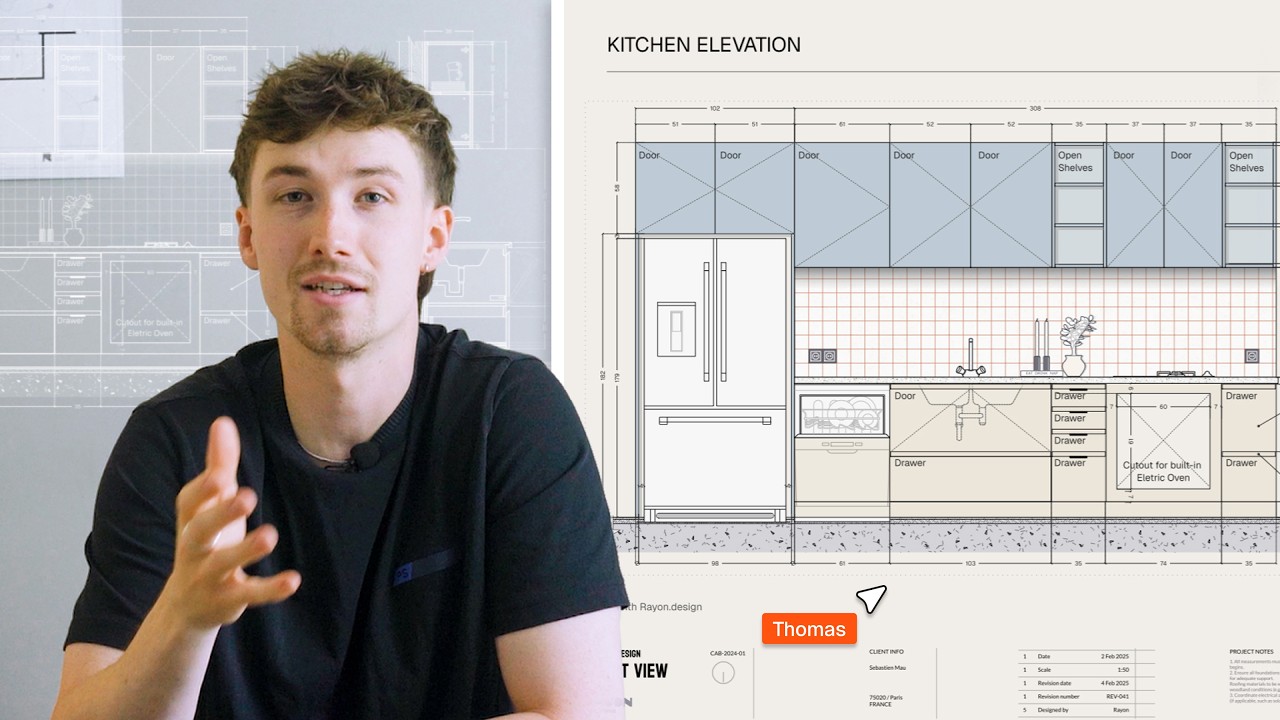
How Rayon Made Millwork Drawing 5x Easier (Step-by-Step)
Turn a basic millwork DWG into a presented drawing set: clean the import, add blocks, dimensions and tags, set line weights, and place it on a title block.
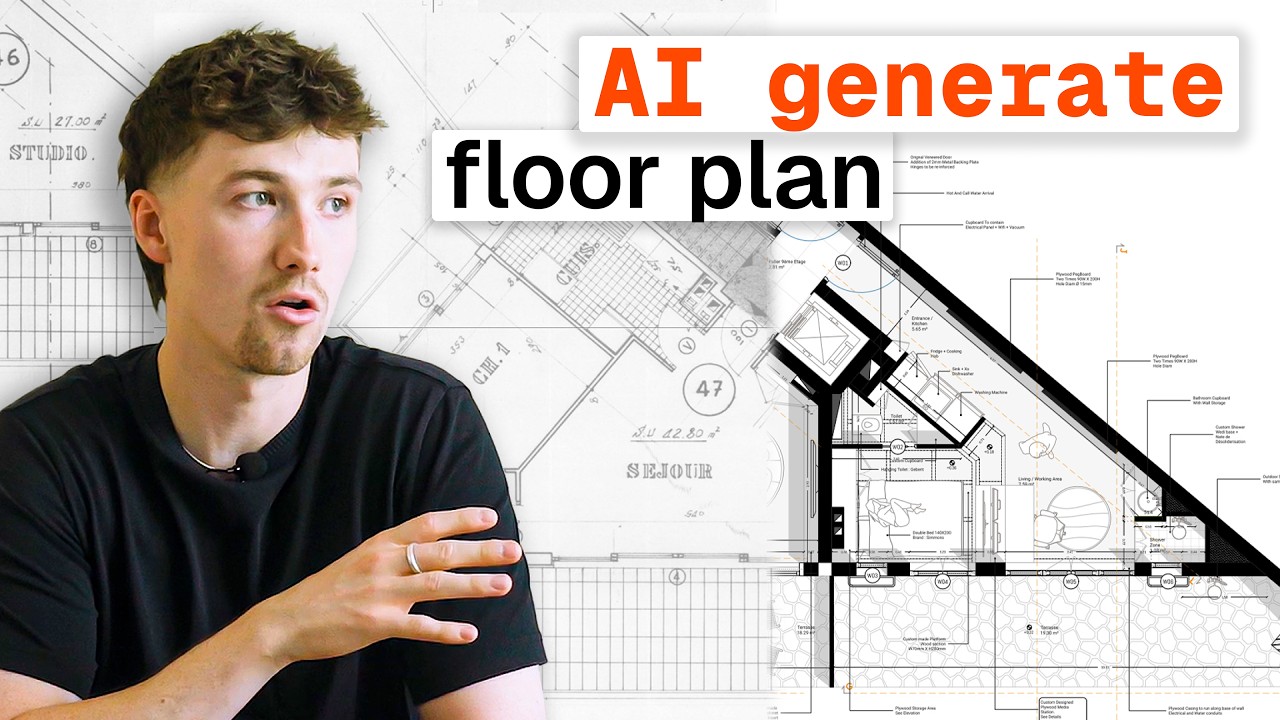
AI Floor Plan Generation: Is it Actually Helpful?
A test of AI floor plan generation in Rayon: converting archive drawings and sketches into editable plans, then cleaning up, furnishing, styling and annotating the results.
Become a trainer
You use Rayon, and want to teach others?
Become a trainer for our academy, and get paid to share your passion!