
Rayon basics
One feature at a time, explained in a real project

A series dedicated to the individual tools and features inside Rayon. Each video focuses on one feature at a time - what it does, how it works, and how to use it in a real project. If you want to understand a specific part of Rayon in detail, this is where to find it.
How to Use Canvases, Views, and Pages in Rayon
Model vs paper canvas, setting up pages, and creating, cropping, scaling and overriding views so one drawing feeds a full drawing set.
How to Use and Manage Layers in Rayon
Set up a layer structure, control visibility, locking and order, use sublayers, and apply per-view layer overrides on the paper canvas.

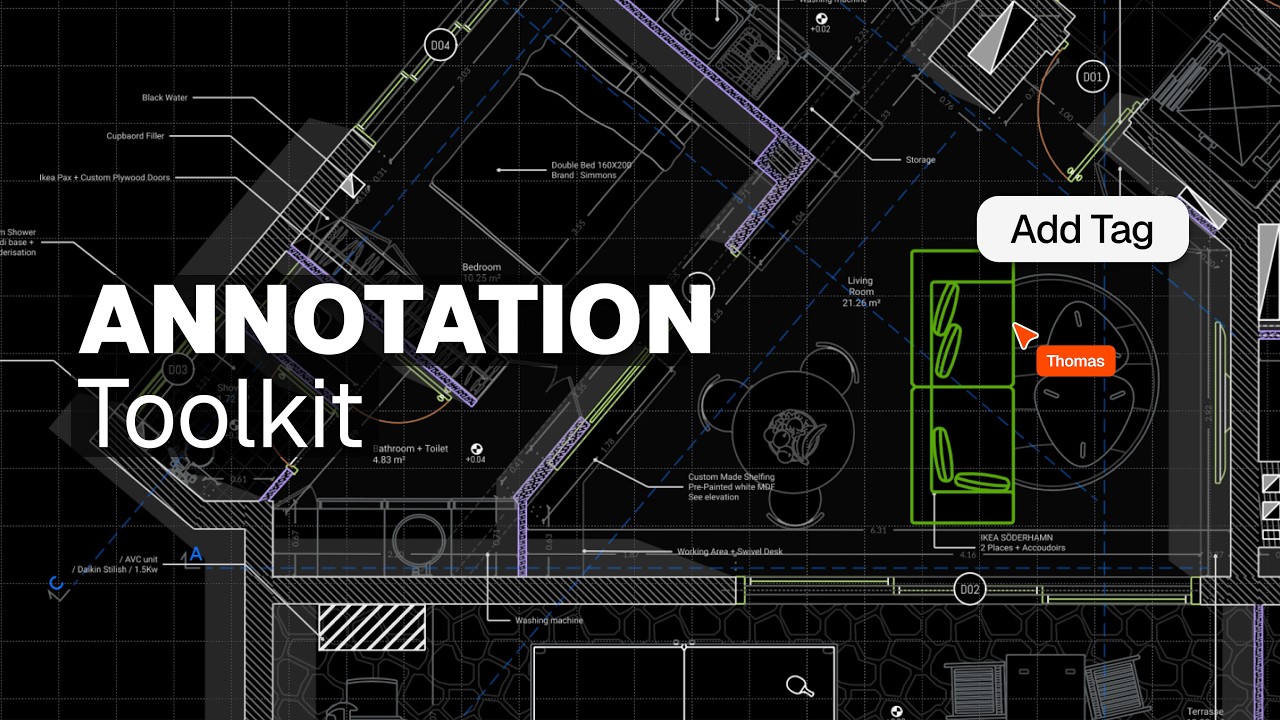
How to Add Dimensions, Text, and Tags to Drawings in Rayon
All eight annotation tools: dimensions and chains, angular dimensions, leaders, arrows, text, tags, revision clouds and page numbers.
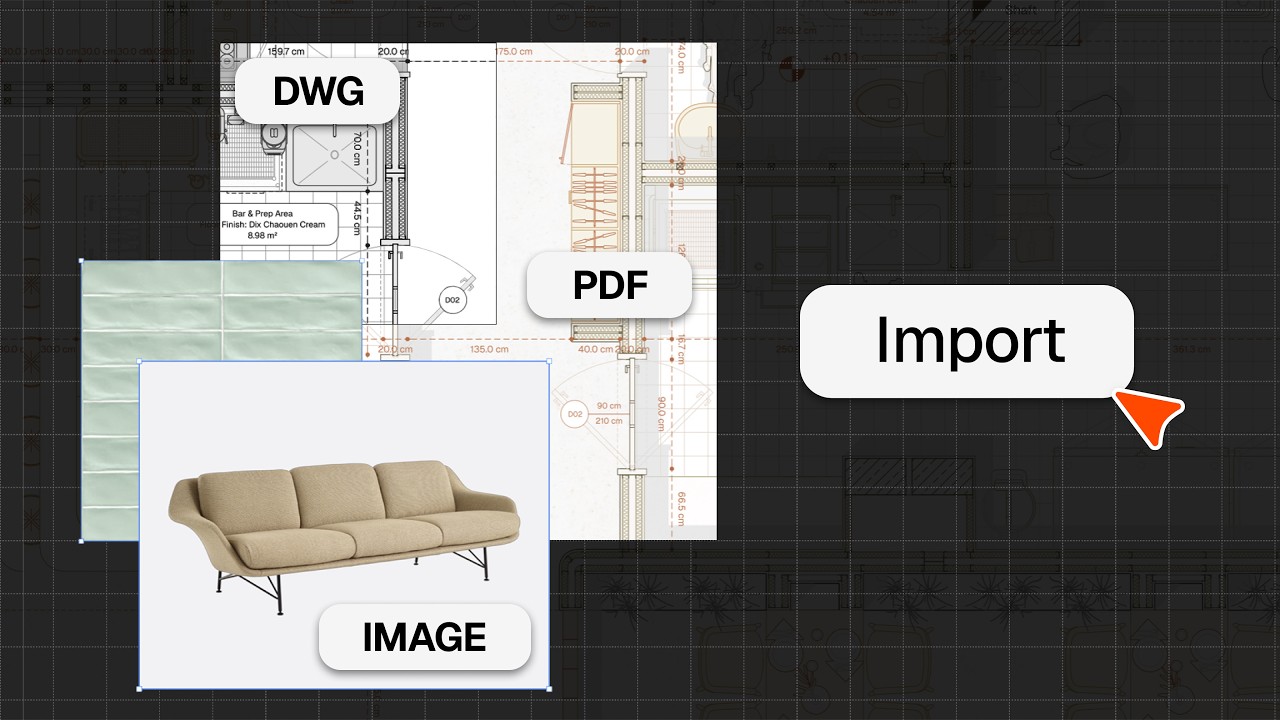
How to Import DWG, PDF & Image Files
Import DWG/DXF files, PDFs and images into Rayon, place and scale them, and use them as the base for your drawings.
How to Draw Lines, Shapes, and Curves in Rayon
Rayon's shape tools in action: polyline, line, arc, curve, circle and rectangle, plus command modes, arguments, and active layer and style.

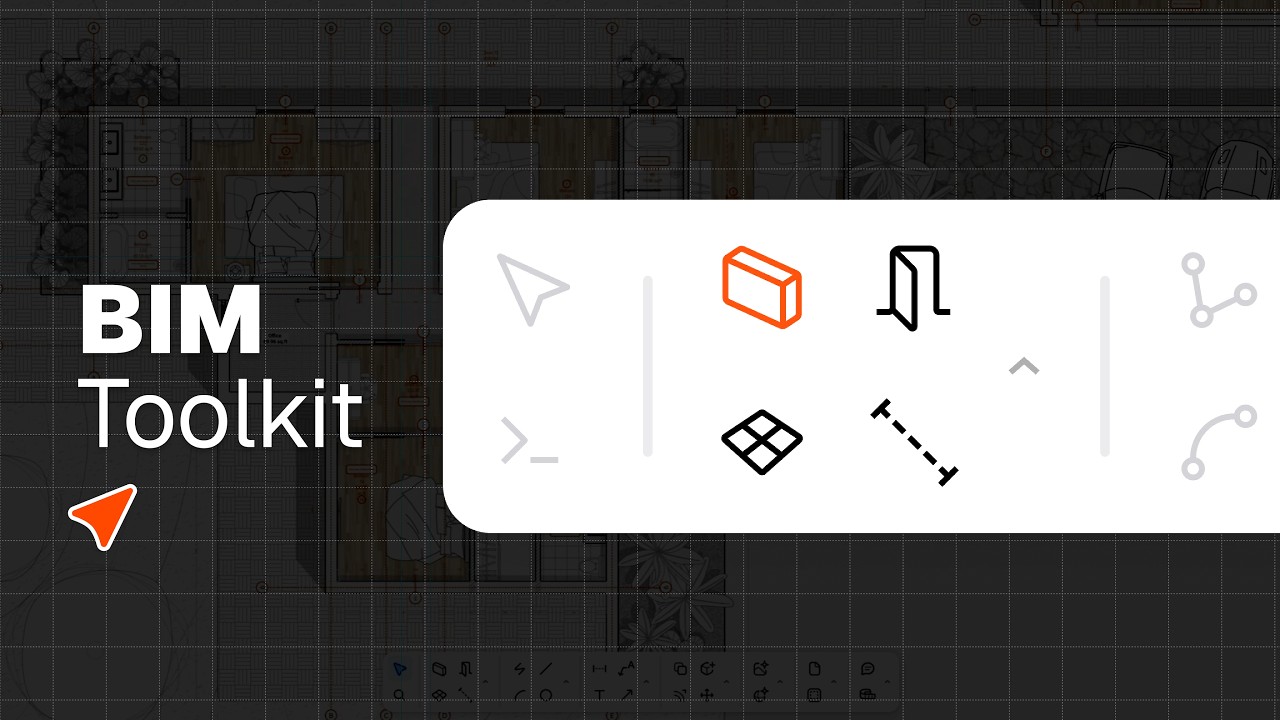
The Rayon BIM Toolkit: Walls, Openings & Zones
Draw walls and set their thickness and alignment, place doors and windows from the openings library, and create and split zones in one click.
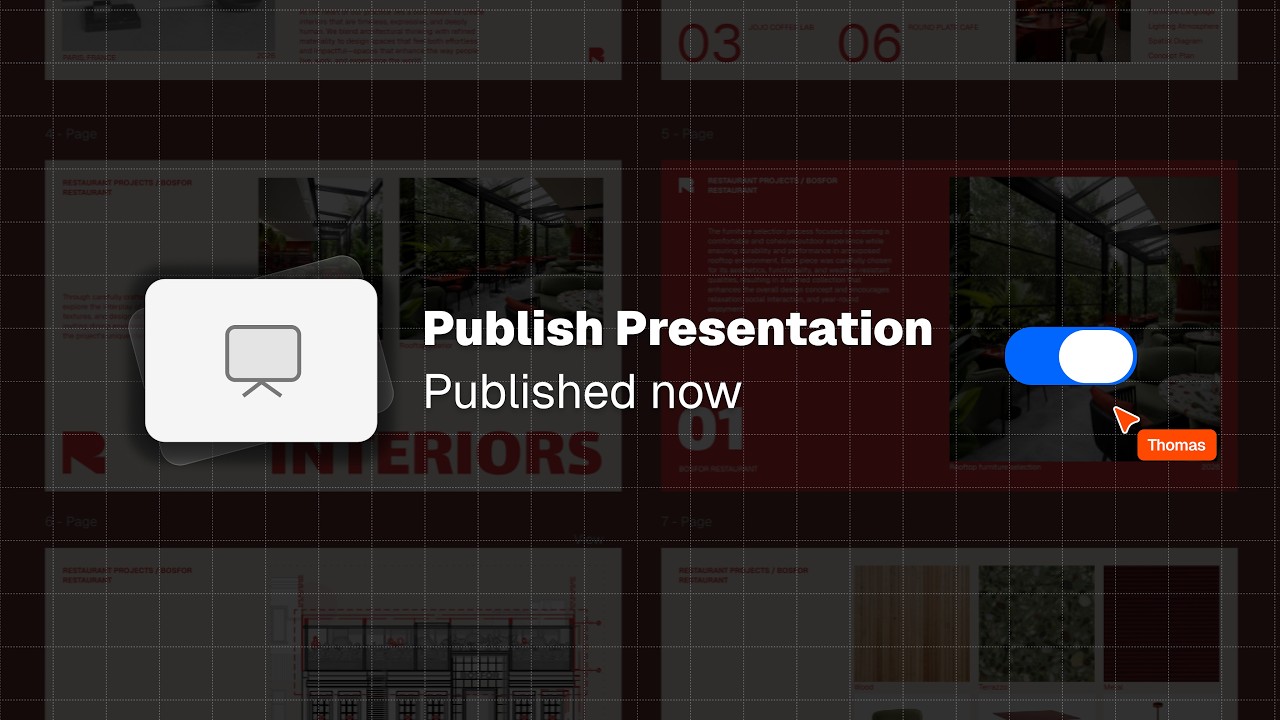
PDF Export vs Live Presentation
PDF export vs live presentation link: when to send a fixed file, and when to share a link that always shows the latest version.
Become a trainer
You use Rayon, and want to teach others?
Become a trainer for our academy, and get paid to share your passion!