
0:00 / 0:00
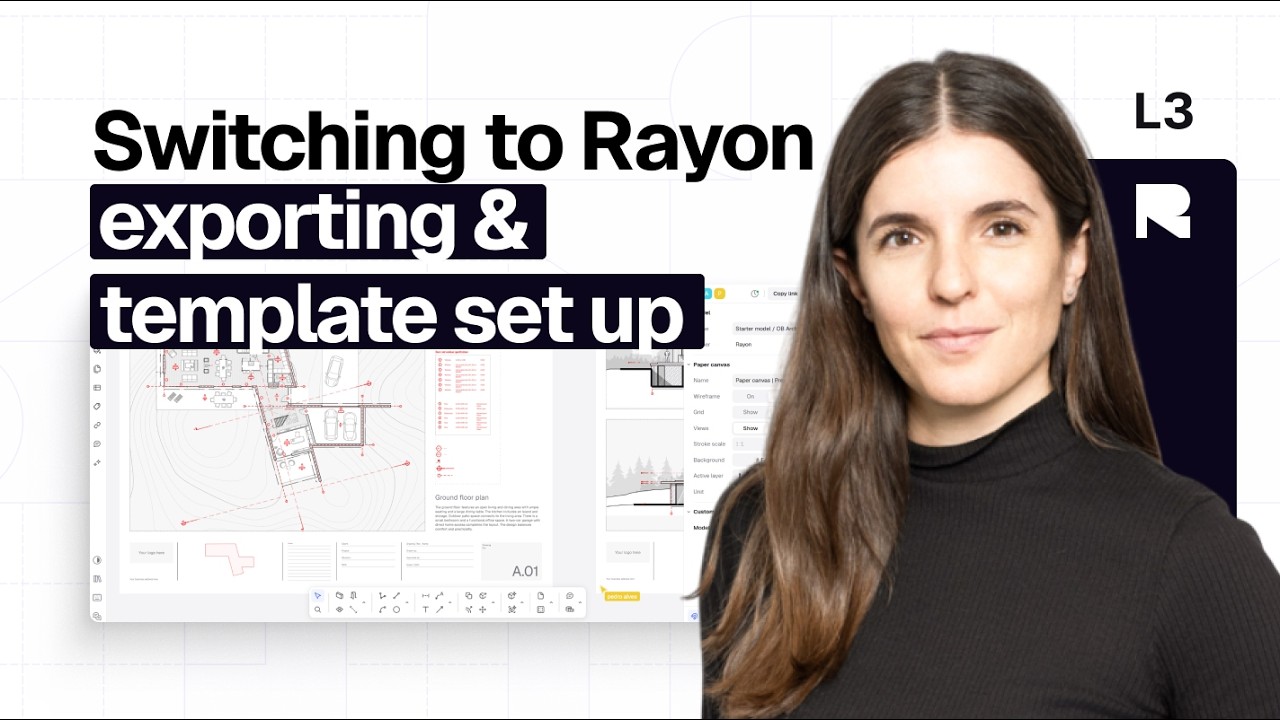
Exporting & template set up
25:00
Moving from AutoCAD to Rayon involves exporting existing designs and adapting to cloud-based tools. This video explains how to transfer files, set up templates, and manage layers for different outputs. Learn to create views, export in multiple formats, and share live presentations with real-time collaboration features.
Switching to Rayon from AutoCAD & Other Legacy Software
Your progress100%
3 Videos•Approx. 1 hr
Mentioned in this video
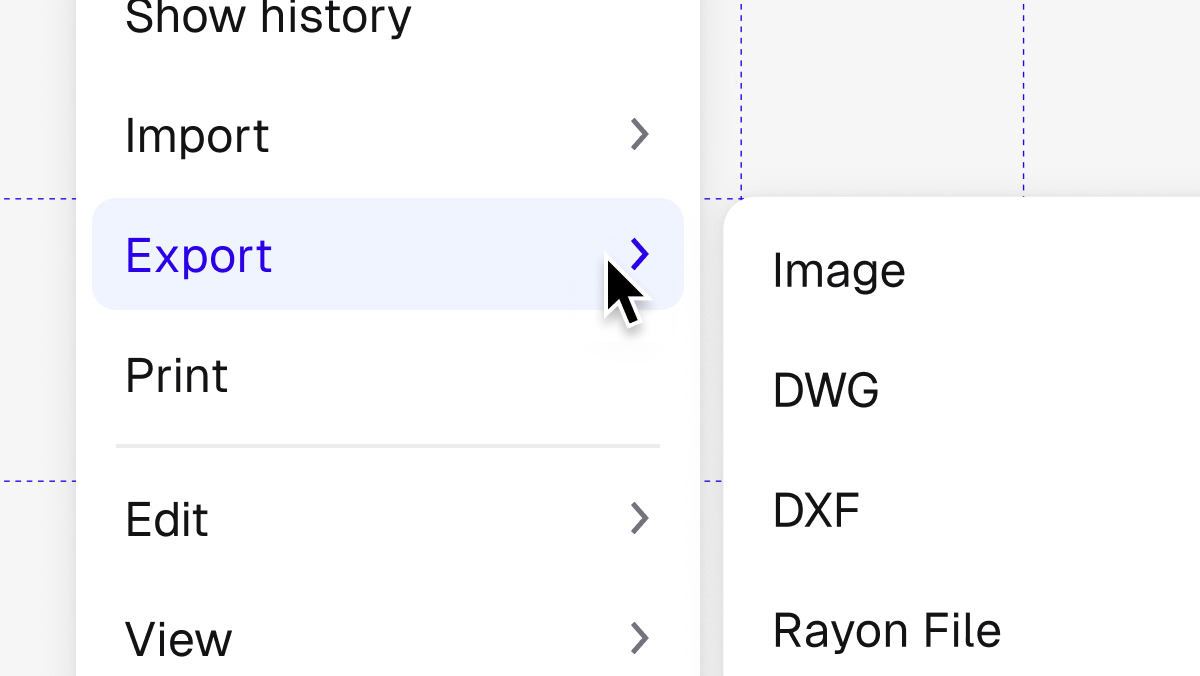
Exporting & printing
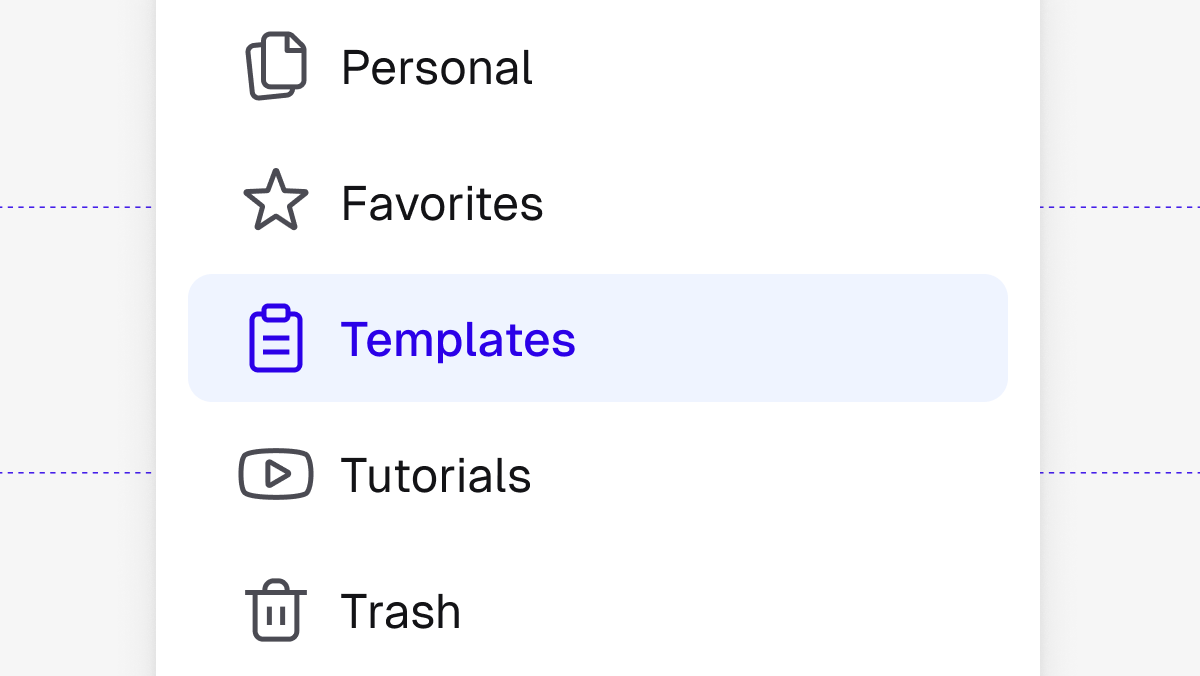
Templates
Switching to Rayon from AutoCAD & Other Legacy Software
Your progress100%
3 Videos•Approx. 1 hr
Become a trainer
You use Rayon, and want to teach others?
Become a trainer for our academy, and get paid to share your passion!