
Switching to Rayon from AutoCAD & Other Legacy Software
A three part, step by step guide

Master the transition from AutoCAD to Rayon in this 3-part series—learn how to import, edit, style, and export your drawings while building smarter workflows.
Import & set up
Import DWG/DXF files into Rayon while keeping layers, blocks and styles. Covers scale, XREFs, and how model space and layouts map to Rayon's model and paper canvases.
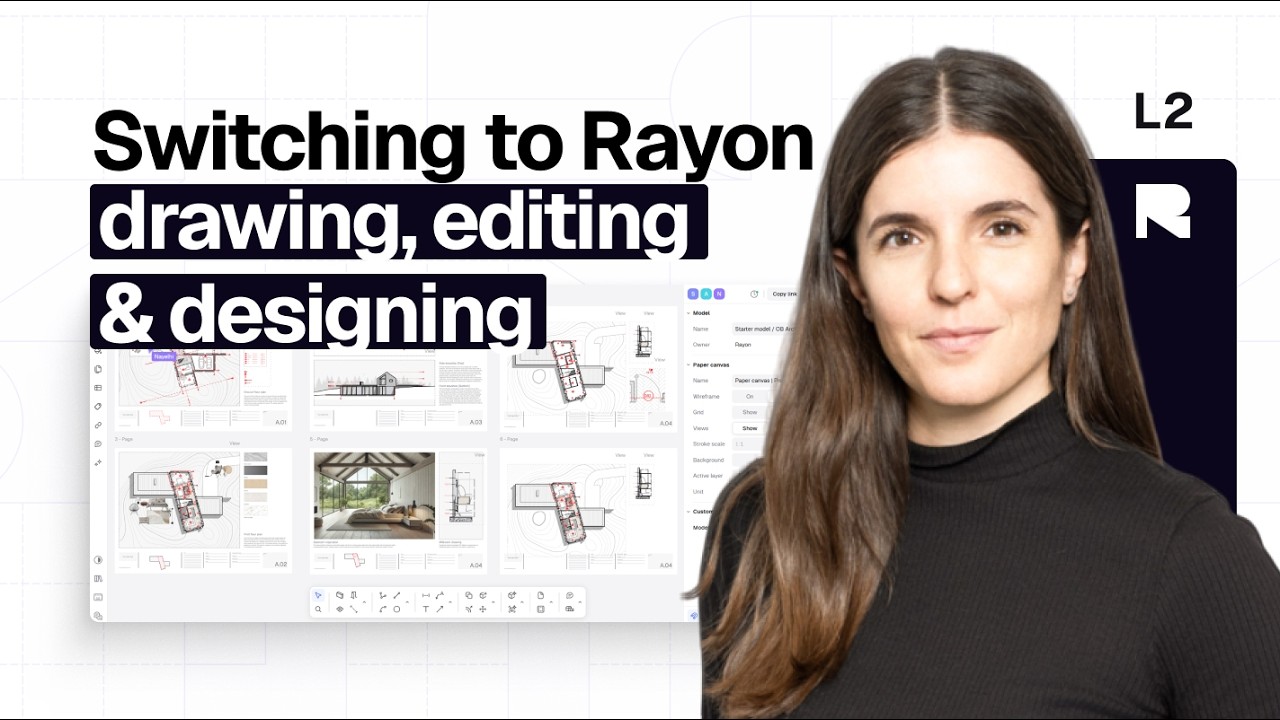
Drawing, editing & designing
Edit imported DWGs with familiar CAD commands (polyline, offset, trim, array), then speed up drafting with walls, openings, zones, styles and Rayon's block library.
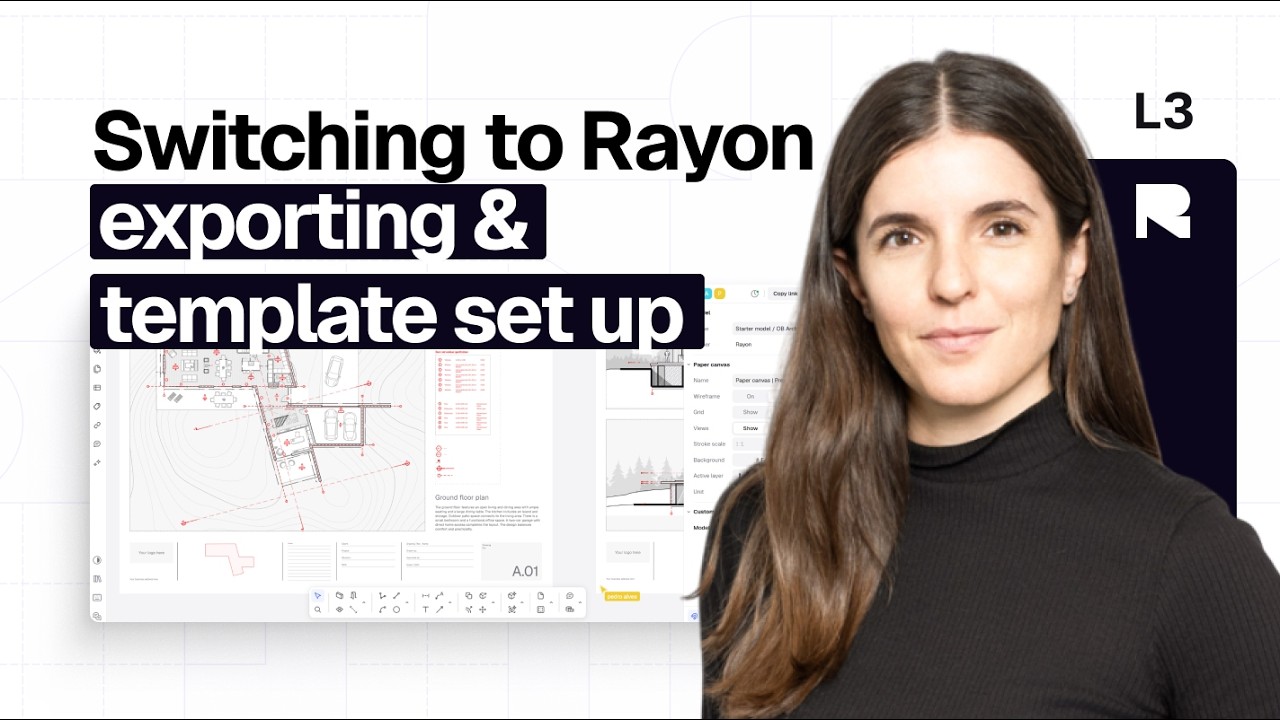
Exporting & template set up
Set up views and layer overrides, export to PDF, PNG, DWG or DXF, share live links, and build reusable templates, title blocks and style libraries.
Become a trainer
You use Rayon, and want to teach others?
Become a trainer for our academy, and get paid to share your passion!