
0:00 / 0:00
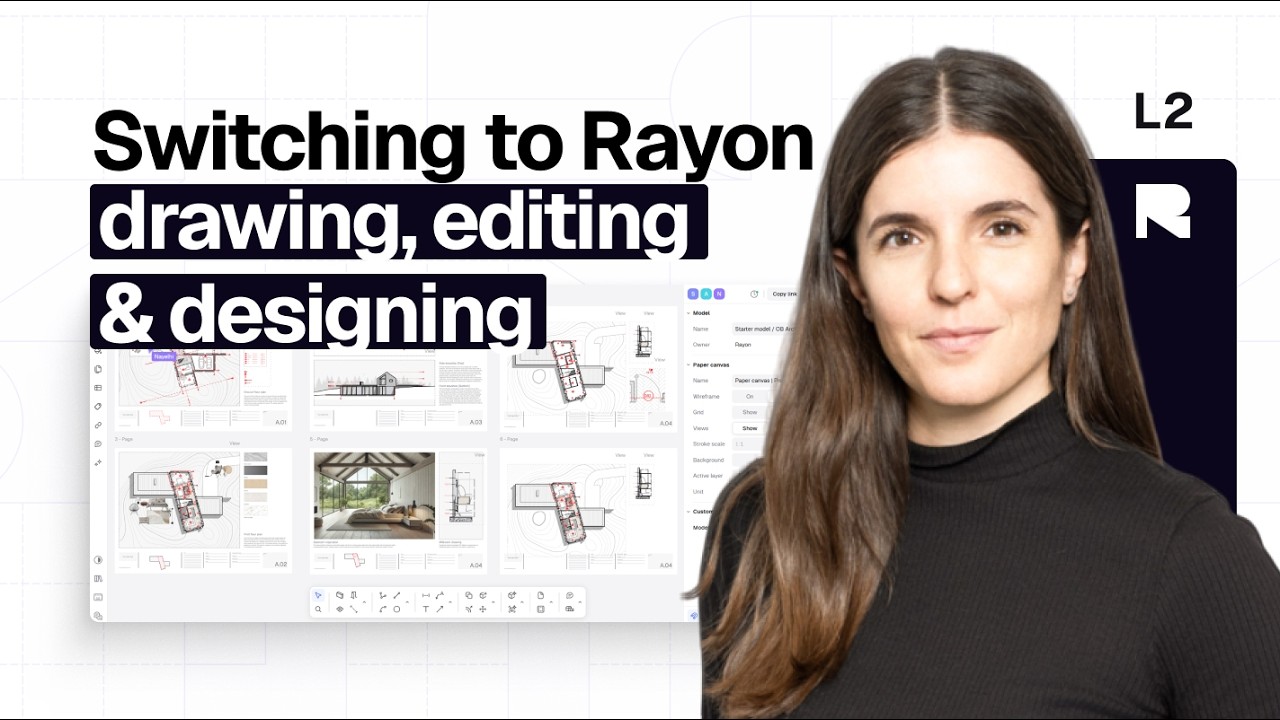
Drawing, editing & designing
25:00
This video covers the transition from AutoCAD to Rayon, focusing on editing DWG files with traditional CAD commands and LightBIM features. It demonstrates polyline, offset, trim, and array tools alongside smart walls, openings, and zones. Learn to apply styles, use block libraries, and work with parametric and metadata-rich blocks for efficient drafting.
Switching to Rayon from AutoCAD & Other Legacy Software
Your progress67%
3 Videos•Approx. 1 hr
Mentioned in this video
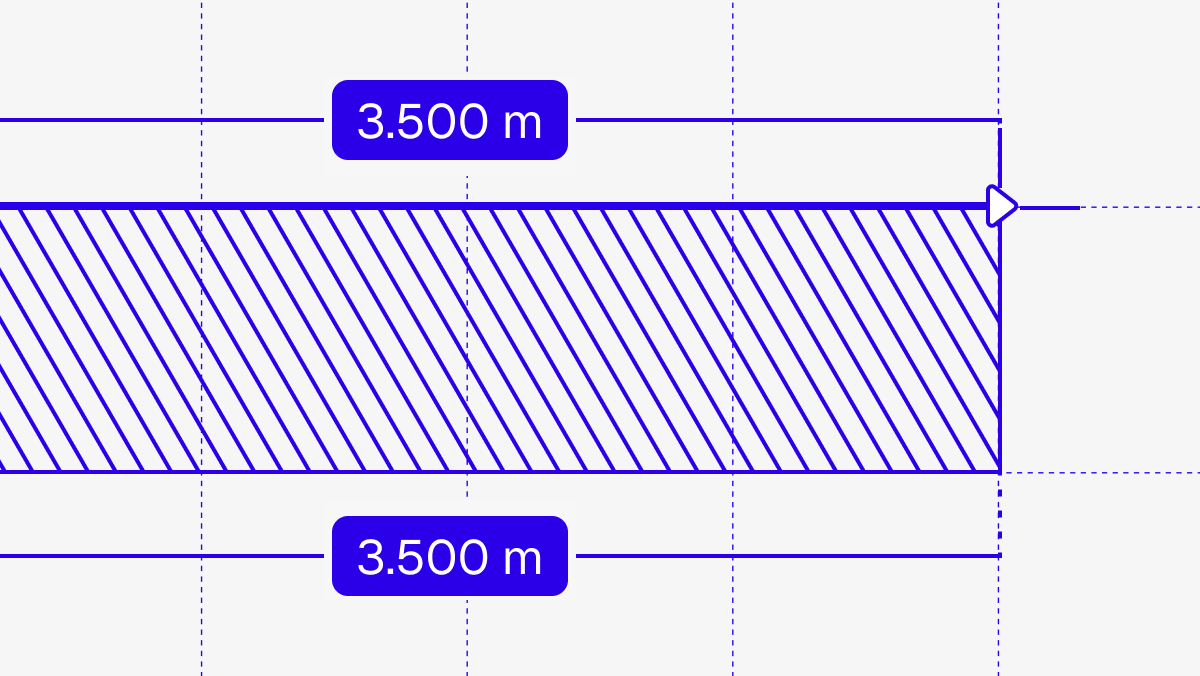
Drawing tools
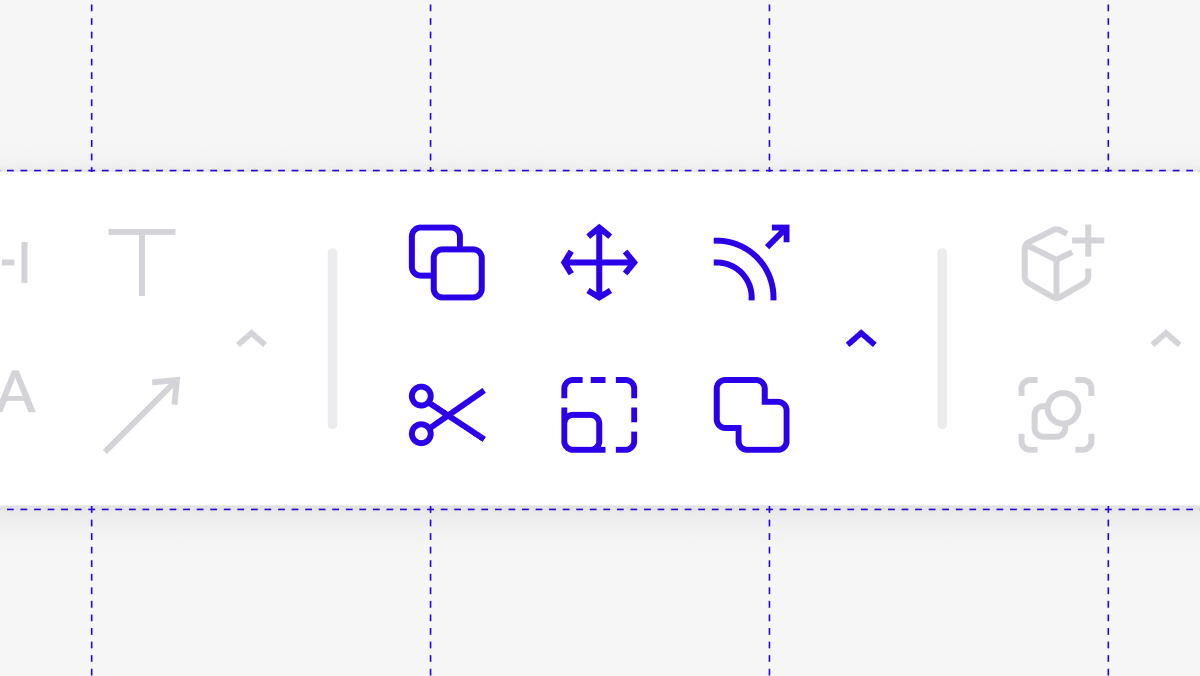
Editing tools
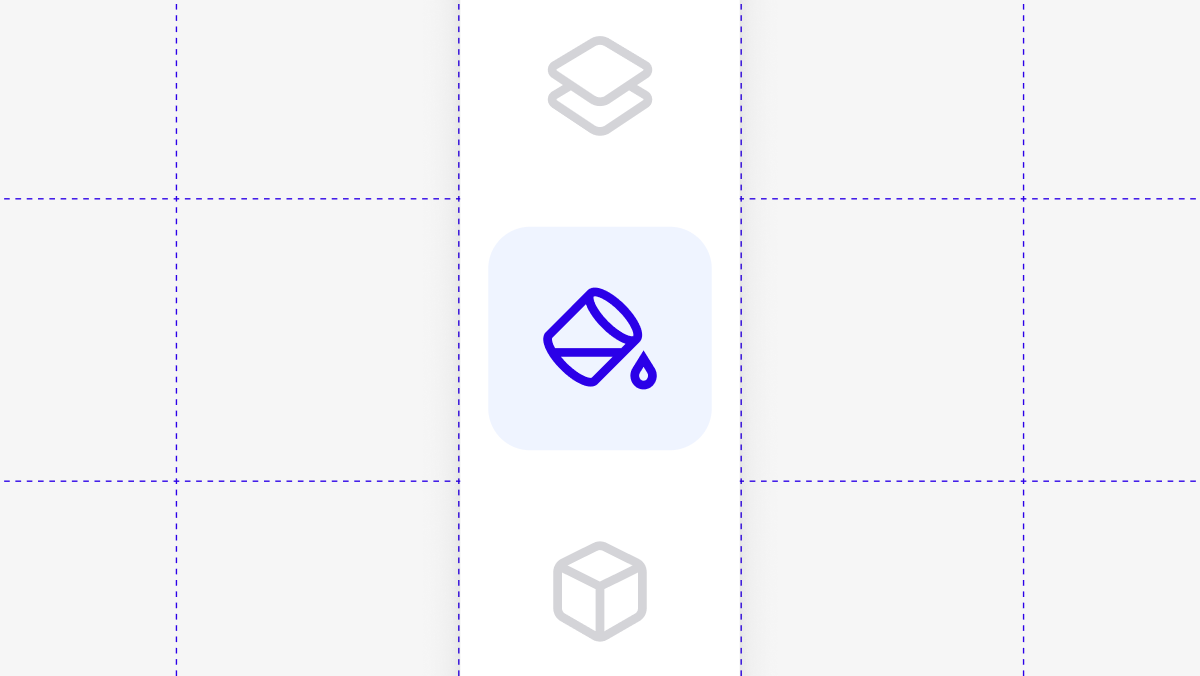
Styles
Switching to Rayon from AutoCAD & Other Legacy Software
Your progress67%
3 Videos•Approx. 1 hr
Become a trainer
You use Rayon, and want to teach others?
Become a trainer for our academy, and get paid to share your passion!